
Visit HowDoICreateAPodcast.com to create your own podcast!
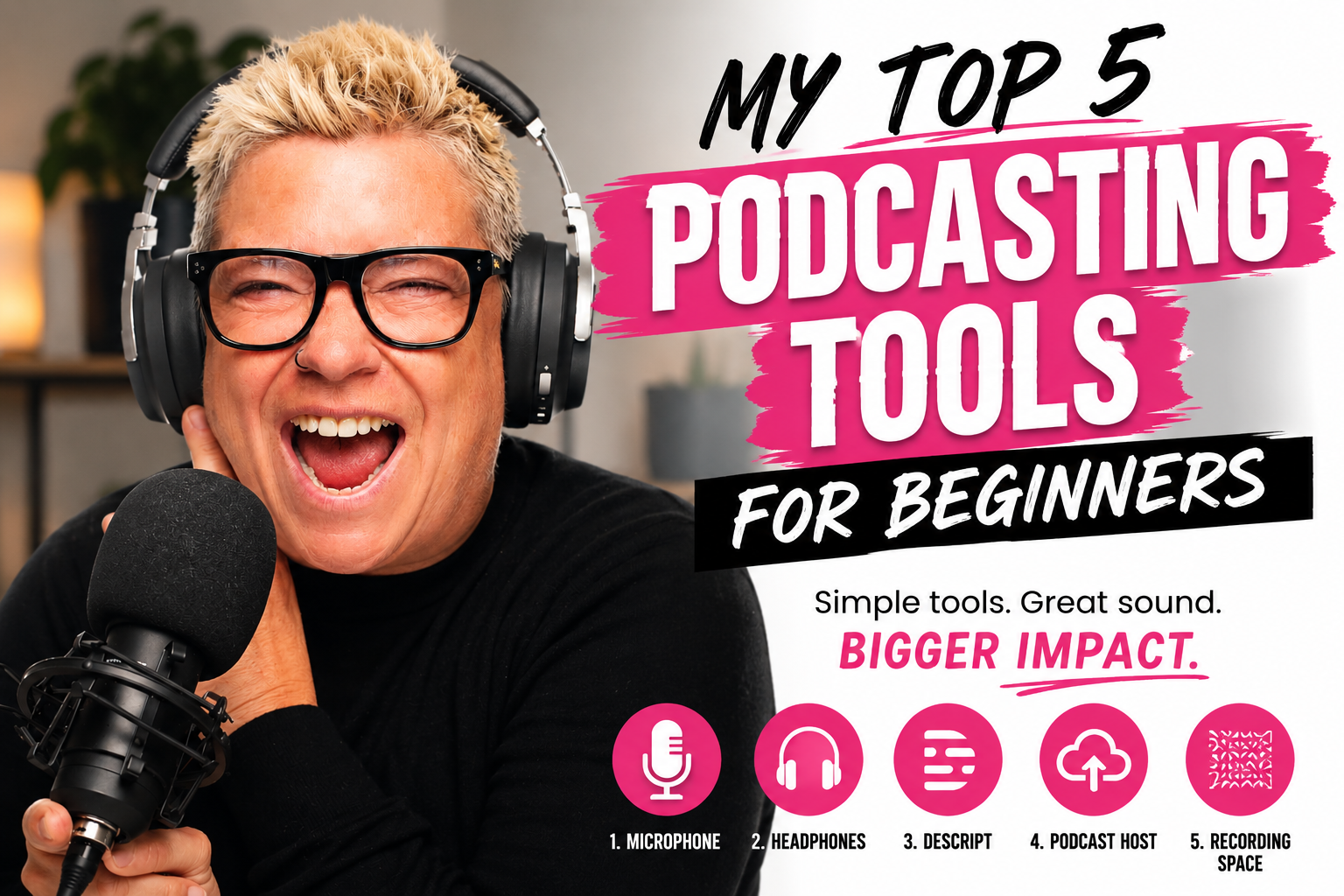
My Top 5 Podcasting Tools for Beginners
READ THIS If you want to sound professional, stay organized, and actually enjoy the process of launching your podcast
If you’re thinking about starting a podcast, let me save you a whole lot of time, money, and frustration.
You do not need a fancy studio.
You do not need to spend thousands of dollars.
And you definitely do not need to know everything before you begin.
But you do need a few solid tools that make podcasting easier, cleaner, and far more professional from day one.
After 11 years in podcasting, 25+ years in broadcasting, and helping many clients launch their own shows, I can tell you this with complete confidence:
The most important part of your podcast setup is your SOUND.
You can have the best content in the world, but if your audio sounds muffled, echoey, tinny, or like you recorded it from the bottom of a cereal box… people will click away. Fast.
Crappy sound is one of the quickest ways to lose listeners and instantly make your podcast feel amateur.
So if you’re just getting started, here are my Top 5 Podcasting Tools for Beginners to help you sound better, record smarter, and get your show off the ground with confidence.
1. A Great Microphone
My top pick: Shure MV7
If you invest in one thing for your podcast, make it a quality microphone.
Seriously. This is not the place to cut corners.
A great mic helps you:
sound clear, warm, and professional
reduce distracting background noise
build listener trust immediately
make your podcast feel polished from the very first episode
My go-to recommendation for beginners is the Shure MV7 because it delivers excellent sound quality, is easy to use, and gives you room to grow as your podcast grows.
🎤 My recommendation: The Shure MV7 Microphone
If your audio sounds good, people are far more likely to keep listening. And in podcasting, that matters.
2. Good Headphones
My pick: Corsair Headphones
Headphones might not feel as exciting as a microphone, but they’re incredibly important.
A good pair of headphones helps you:
hear background noise you might otherwise miss
monitor your sound while recording
catch issues during editing
hear your guest clearly during interviews
avoid annoying echo or audio bleed
If you’re interviewing guests or editing your own episodes, headphones are one of those “small but mighty” essentials.
🎧 My recommendation: Corsair Headphones
Comfort matters too, especially if you’re recording or editing for longer sessions.
3. Descript
My favorite beginner-friendly editing tool
Let’s be honest: editing is the part that scares a lot of new podcasters.
That’s why I love Descript.
It’s one of the easiest tools I’ve found for beginners because it makes editing feel far less technical and far more manageable. You can edit audio and video in a much more intuitive way, which is a huge relief if traditional editing software makes your eyes glaze over.
Descript is especially helpful if you want to:
edit your podcast without feeling overwhelmed
create transcripts
remove filler words and awkward pauses more easily
turn podcast content into clips for social media
keep your workflow simple
✂️ Check it out here: Descript
For many beginners, having the right editing tool is the difference between “I’m excited to keep going” and “I never want to touch this again.”
4. A Reliable Podcast Hosting Platform
Your podcast needs a home
Once your episode is recorded and edited, you need somewhere to upload it so it can be distributed to platforms like Spotify and Apple Podcasts.
That’s what a podcast host does.
Your hosting platform stores your audio files and sends your podcast out to the listening apps.
My personal podcast host I’ve used for 10 years: Podbean
Because the goal isn’t to spend three weeks comparing hosting dashboards. The goal is to launch.
5. A Simple Recording Space Setup
You do not need a studio, but you do need to think about sound
This isn’t a gadget you buy in a box, but it’s one of the most important “tools” you can create for yourself.
Your recording environment matters.
Even with a good microphone, if you record in a noisy, echo-filled room with hard surfaces everywhere, your audio quality will suffer.
A beginner-friendly recording setup can be as simple as:
a quiet room
carpet, curtains, or soft furnishings to absorb sound
turning off fans, notifications, and background noise
placing your mic correctly and testing your levels before recording
You don’t need a professional studio.
You just need a space that helps your voice sound clean and clear.
A well-set-up room plus a solid microphone can make a massive difference in how your podcast sounds.
Final Thoughts: Start Simple, But Start Smart
If you’re brand new to podcasting, here’s what I want you to remember:
You do not need the fanciest setup.
You do not need to know every technical detail.
You do not need to be perfect.
But you do want to start with tools that make podcasting easier and help you sound professional from the very beginning.
If I were helping a beginner build a simple starter setup, I’d focus on these five things first:
A quality microphone
Comfortable headphones
Easy editing software
A podcast hosting platform
A quiet recording setup
That combination alone can put you miles ahead of most beginners.
And if you want someone to walk you through the entire process step by step, I can help with that too.
I’ve helped many clients get their podcasts up and running, and I can help you launch your own show in under 30 days.
🎙️ Ready to get your podcast off the ground?
Visit HowDoICreateAPodcast.com OR ExpertAuthorityCoach.com and let’s make it happen.